Best beginner choice
Open-frame or bed-slinger FDM printer
Good for learning, easy to maintain, and usually the most budget-friendly way to start.
A beginner-friendly guide to open-frame, enclosed, and bed-slinger FDM printer styles, plus common 3D printer brands.

Open-frame or bed-slinger FDM printer
Good for learning, easy to maintain, and usually the most budget-friendly way to start.
Bed-slinger printer
Great for PLA, simple projects, and learning the basics without spending too much.
Enclosed FDM printer
Better for cleaner setup, reduced drafts, quieter printing, and materials like ABS or ASA later.
Most beginners start with an FDM printer because it is affordable, easier to maintain, and uses common plastic filament like PLA. The right printer depends on your budget, space, materials, and how much setup you want to do.
Images are copied into this website’s local assets folder with permission. They are not hotlinked.
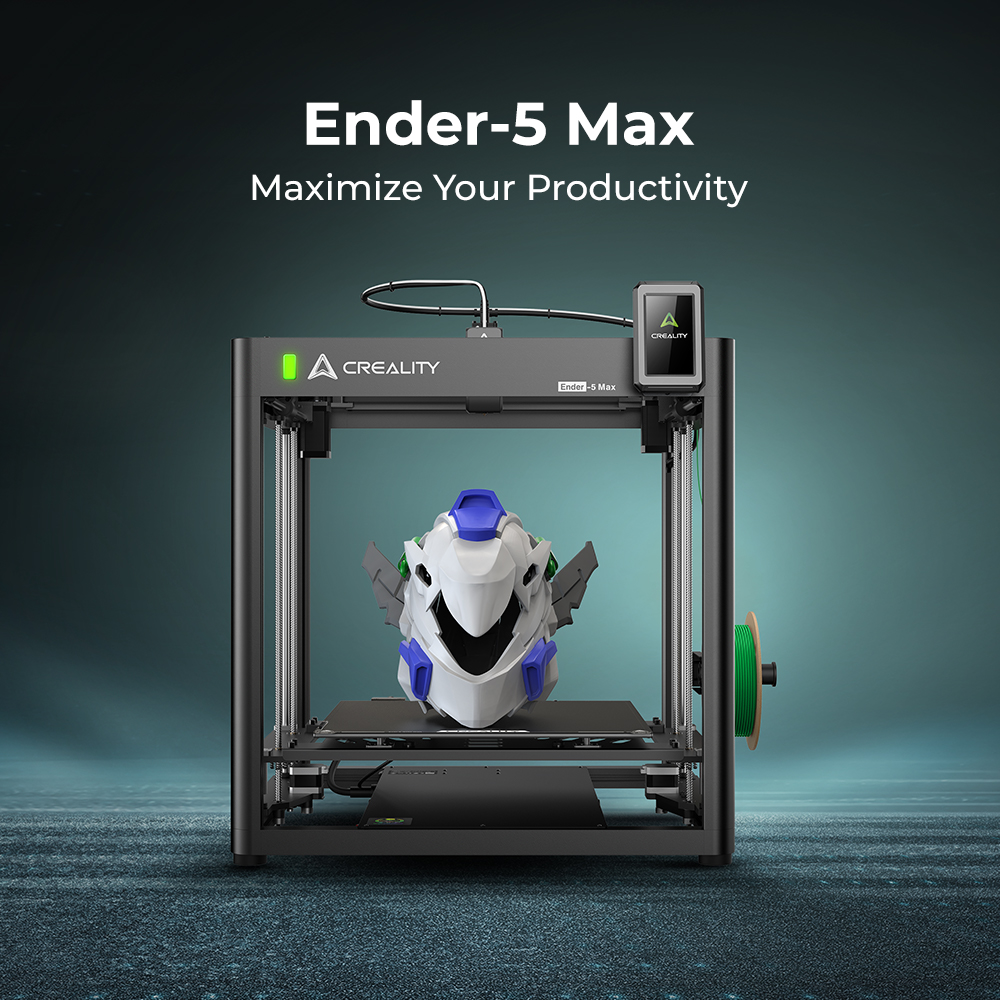 OPEN
OPEN
Example: Creality Ender-5 Max
Open-frame printers are usually easier to see, easier to work on, and often cost less. They are a strong fit for PLA and basic learning.
Good for: first-time users, hobby printing, and lower-cost open setups.
View official Ender-5 Max page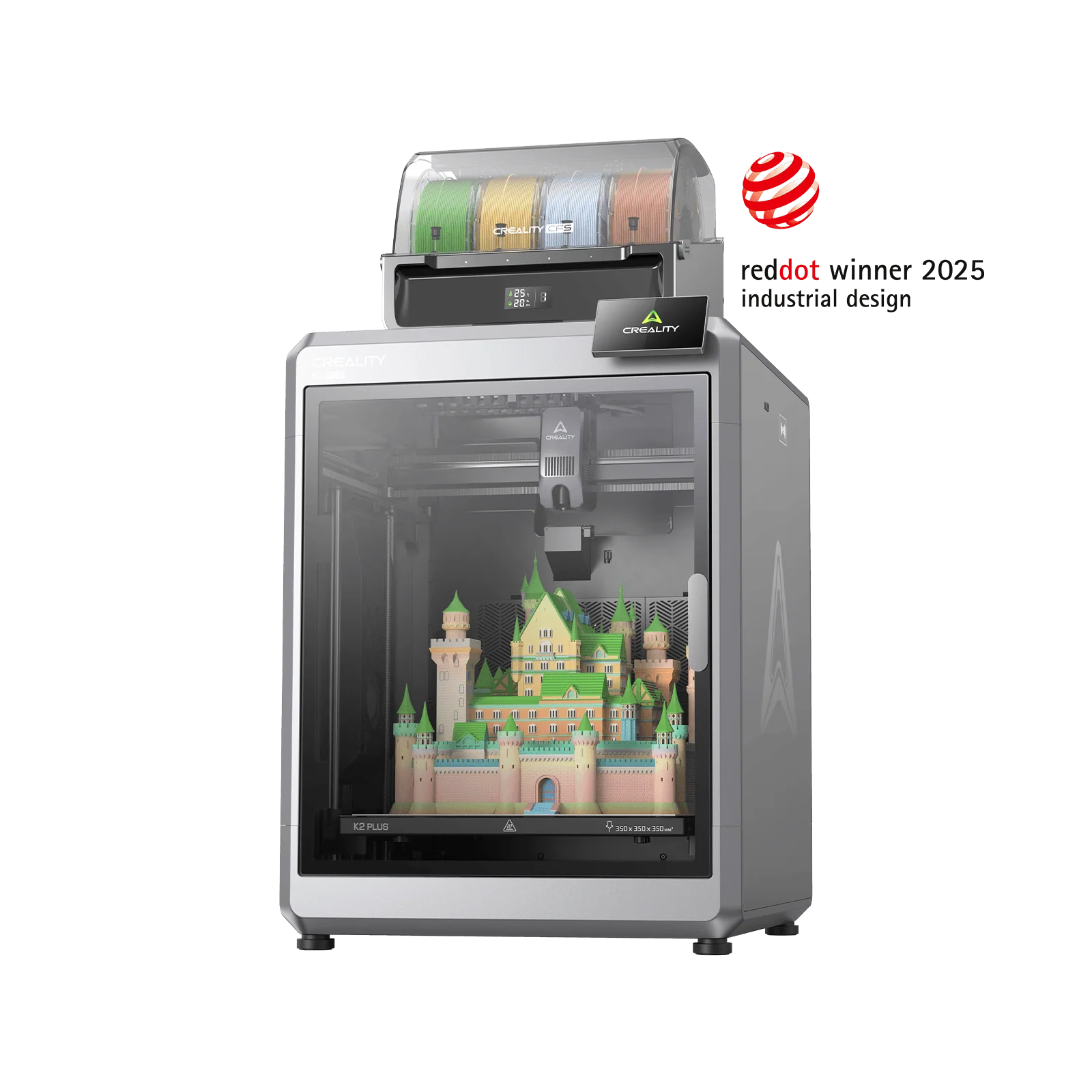 CASE
CASE
Example: Creality K2 Plus Combo
Enclosed printers have a case around the print area. The enclosure helps hold heat, reduce drafts, and lower noise.
Good for: cleaner workspaces, quieter printing, and higher-temperature materials.
Creality K2 Printer Creality K2 Combo Printer Creality K2 Plus Printer Creality K2 Plus Combo 3D Printer View official K2 Plus Combo page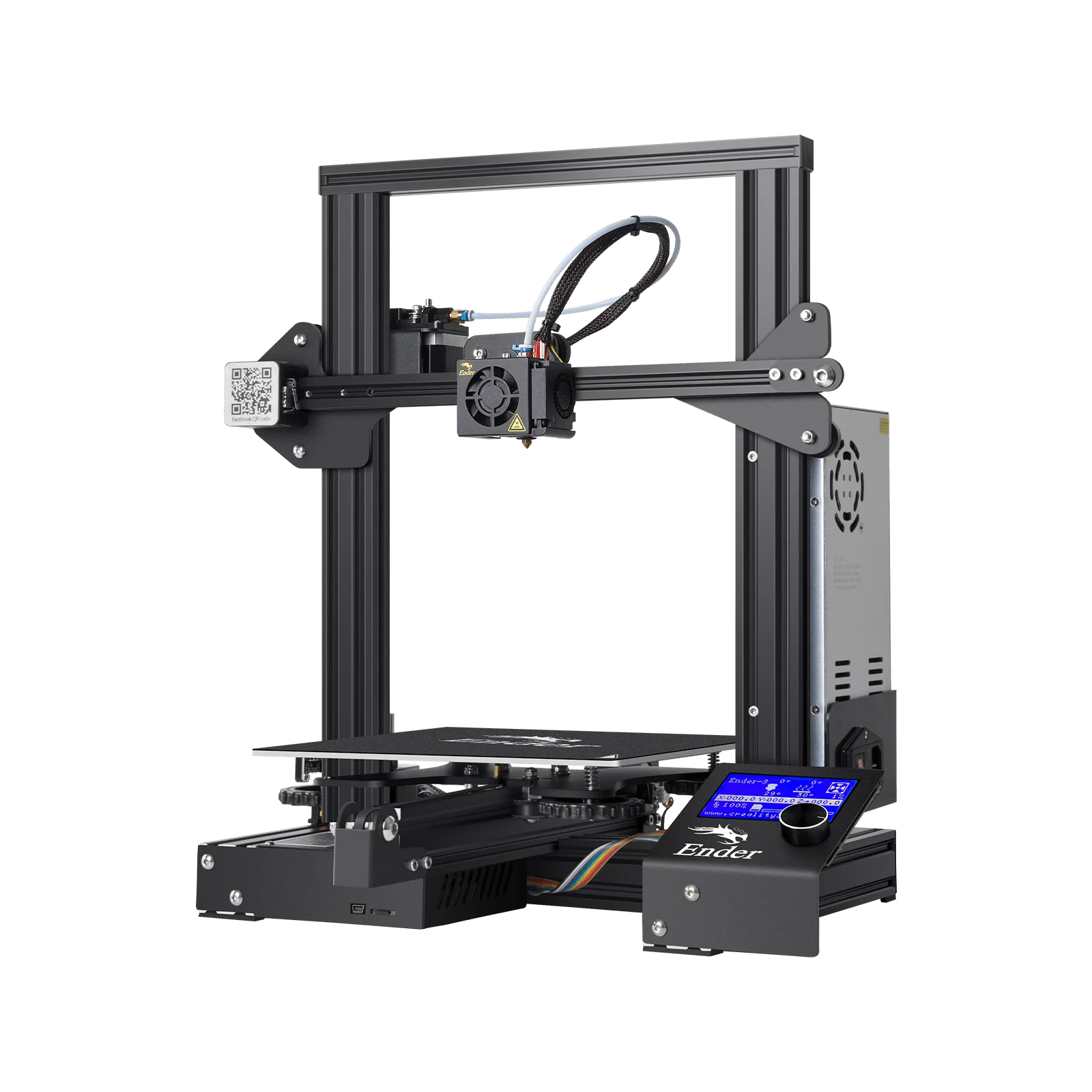 BED
BED
Example: Creality Ender-3
These printers move the print bed back and forth. They are common, affordable, and simple for beginners to understand and maintain.
Good for: budget-friendly beginner printing and easy maintenance.
Creality SPARKX i7 3D Printer View official Ender-3 pageThese are common names you may run into while shopping or watching reviews. Always compare current models, features, support, and replacement parts before buying.
Open-frame printers are often a good low-cost first choice. Enclosed printers are helpful if you want a cleaner setup, less draft, reduced noise, or plan to print higher-temperature materials later.
Avoid choosing only the cheapest printer. A slightly better beginner printer can save a lot of frustration.
Go back to the Beginner Guide and continue with material choice, slicing, and your first print.